
How to bottom align 'Read More' links for basic grid blog in Squarespace 7.1
The “Read More” link is a call to action that leads visitors deeper into your content. However, in Squarespace 7.1’s Basic Grid Blog Layout, these links often appear unevenly positioned—especially when blog post excerpts vary in length.
If you’re aiming for a polished and consistent blog grid, aligning all “Read More” links to the bottom of each card is a smart design move. In this tutorial, you'll learn how to use custom CSS to bottom-align these links, giving your blog a clean, professional look.
Table of Contents
Why Bottom Align the “Read More” Links?
Creates visual consistency across blog cards
Helps visitors scan and navigate more efficiently
Avoids distracting uneven spacing due to text length differences
Gives your blog grid a more structured, designer feel
Step-by-Step Instructions
Step 1: From the Squarespace dashboard navigate to Pages > Custom Code > Custom CSS and paste the code below
// BASIC GRID BLOG button
.blog-basic-grid .blog-basic-grid--text {
  display: flex;
  flex: 1;
  flex-direction: column;
}
.blog-basic-grid .blog-more-link {
    margin-top: auto;
}

//Distance between excerpt and button
.blog-basic-grid .blog-excerpt {
  margin-bottom: 10px;
}

Step 2: To have a button hover effect, add the code below.
// Button hover effect
.blog-basic-grid  .blog-more-link:hover {
  background-color: #000000; /* Black */
}

Key Takeaways
Use
flexboxto structure each grid itemAssign
flex-growto the content area to push the "Read More" link downUse
margin-top: auto;on the button to force it to the bottom
FAQs
Will this work on mobile?
Yes, the layout is responsive. If needed, you can add mobile-specific adjustments using media queries.
Can I use this for other button links in the summary block?
Yes, as long as they use the same .sqs-read-more-button class or container structure.
What if it breaks my layout?
Make sure all blog grid items have equal height set, or try wrapping the code in a collection/page-specific selector for isolated testing.
Conclusion
Bottom-aligning your “Read More” links in the blog grid can make your blog layout look cleaner and more professional, especially if you're working with varying excerpt lengths. With a few lines of CSS, you’ve now got a solution that’s both practical and aesthetically pleasing.
If you have any questions or need any help with your Squarespace website design, you can book a 1:1 consultation.
Squarespace has recently improved its Product Pages, giving website owners and designers much more flexibility when creating online stores.
Learn how to create collapsible form sections in Squarespace 7.1 using CSS and JavaScript to organise long forms and improve the user experience.
By default, folder titles in Squarespace 7.1 are not clickable. Instead, they simply expand to reveal the pages inside the folder.
The Squarespace 7.1 Accordion block is a great way to organise content such as FAQs, services, features, and product information.
If you're using categories on your Squarespace 7.1 Shop page, you've probably noticed that the first filter tab is always labelled "All."
If you regularly share CSS, JavaScript, HTML, or code snippets on your Squarespace website, you've probably noticed the Monospace text option in the text editor.
Squarespace 7.1 Auto Layouts (List Sections) are great for structured content, but they quickly run into a common limitation: long descriptions make layouts feel crowded and harder to scan.
If you're publishing on Substack and running a website on Squarespace, you've probably wished you could display your latest posts directly on your site without copying and pasting them manually every time.
Background videos are a powerful way to create visual impact on your website, especially on hero sections built in Squarespace 7.1.
Not every page on your website needs to be visible to the public or searchable on platforms like Google Search. Whether you're working on a draft page, creating private content, or building a conversion funnel, controlling page visibility is essential when using Squarespace.
Vertical video has become the dominant format across platforms like TikTok, Instagram Reels, and YouTube Shorts. As a result, many website owners now want to display portrait videos on their websites.
Videos are one of the most powerful elements you can add to a website. They grab attention, increase engagement, and help explain your products or services quickly.
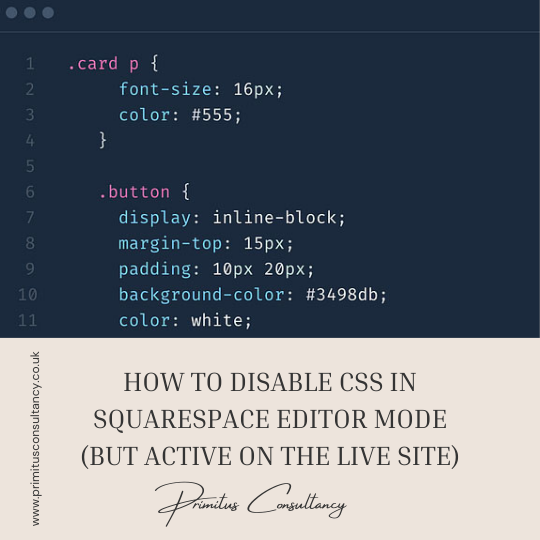
In this tutorial, you'll learn how to disable CSS in the edit mode, but kept active on the live site.
In this tutorial, you'll learn how to remove space under code blocksin Squarespace 7.1. If you’re embedding third-party widgets, videos, or custom code in Squarespace 7.1, you might notice an unexpected gap appearing below your code blocks.
Blogging has changed a lot over the past few years. Search engines are smarter, AI summaries appear at the top of results, and users expect faster, clearer answers. With all these changes, many small business owners are asking a fair question. Does blogging on Squarespace still help with SEO?

Artificial intelligence has moved from being a novelty in web design to becoming a practical tool used by developers, designers, and business owners alike. AI is no longer just about chatbots or auto-generated content.
Running a small business means juggling visibility, credibility, and ease of management, often with limited time and budget. Website platforms have continued to evolve, but the core needs of small businesses have not changed much.
Organic traffic has always been a cornerstone of digital growth, but by 2026 its meaning has expanded far beyond simple search engine rankings. In the past, organic traffic mainly referred to website visitors who arrived through unpaid search results.
Growing a service-based business requires more than just offering excellent services it’s about building a strong brand, attracting the right clients, and creating systems that allow your business to scale.
The centered-links header in Squarespace 7.1 is known for one frustrating quirk: even when there appears to be sufficient horizontal space, the navigation links can unexpectedly wrap onto multiple lines and disrupt the layout.
Creating your first digital product can feel like a daunting task, but with the right roadmap, you can go from a simple idea to a fully launched product with confidence.
Pinterest is a powerful visual platform that can drive traffic to your website especially if your business is image-heavy, such as design, fashion, food, or travel.
Summary blocks in Squarespace 7.1 are a powerful tool for showcasing blog posts across different pages. These blocks often include a ‘Read More’ link, encouraging visitors to click through and read the full article.
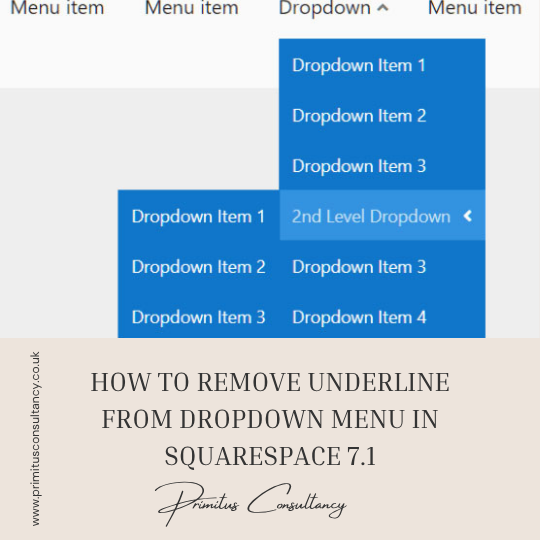
By default, Squarespace 7.1 applies underlines to links in your site’s header and dropdown menus—especially when hovered or active. While this can help indicate clickable elements, many site owners prefer a cleaner, more modern look without the underline, especially in dropdown menus.
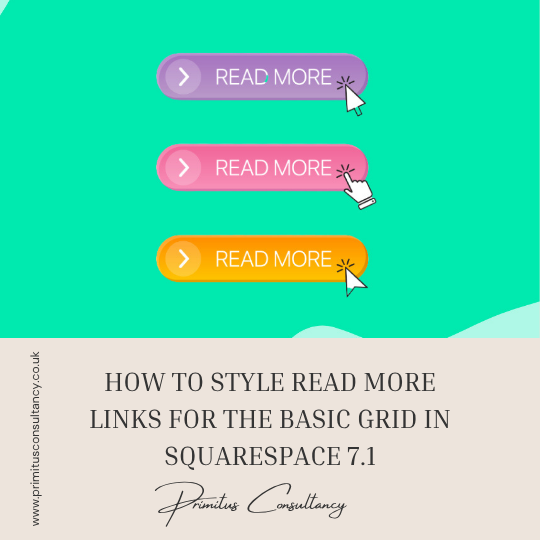
The "Read More" link in Squarespace’s basic blog grid layout often comes with default styling that might not align with your site’s visual identity. With a few simple tweaks using custom CSS, you can transform this link into a branded and interactive element that encourages clicks and improves the overall look of your blog feed.

If you're building a website that needs to reach an international audience—or simply want your content to appear in a different language—changing your language settings on Squarespace is a great way to enhance user experience and increase accessibility.
The "Read More" link in your blog summaries or excerpts on Squarespace can help guide visitors to the full post. However, by default, this link often comes underlined, which might not always match your site's aesthetic.
By default, Squarespace 7.1 adds an underline or hover effect to navigation links in your site header — but it may not always match your brand’s color palette.
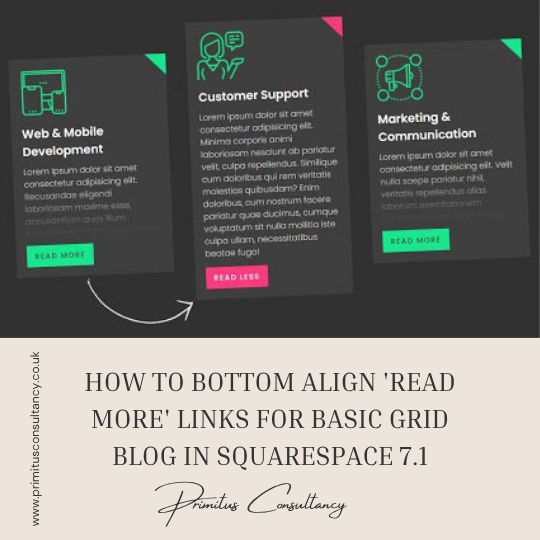
The “Read More” link is a call to action that leads visitors deeper into your content. However, in Squarespace 7.1’s Basic Grid Blog Layout, these links often appear unevenly positioned—especially when blog post excerpts vary in length.
This tutorial will show you how to add round corners to Youtube and Vimeo videos using custom CSS in your Squarespace website. This tutorial is specifically designed for Squarespace 7.1.
All work in this guide is provided ‘as-is’. Other than as provided this guide makes no other warranties, expressed or implied, and hereby disclaims all implied warranties, including any warranty of fitness for a particular purpose.
If you require professional advice, you can book our consultation services.


 Primitus Consultancy
We work with small and medium-sized businesses to help create a professional online presence. We provide a one shop full-service design studio in London, United Kingdom.